
The practical answer
Choose the automation platform by the workflow's control requirements. Zapier is strong for straightforward SaaS-triggered flows, Make offers rich scenario branching and explicit error handlers, and n8n becomes attractive when deeper workflow control, execution inspection or self-hosting matters. The highest-risk workflow should drive the decision, not the easiest demo.
The operating question
The wrong platform comparison starts with the number of connectors. A better comparison starts with what happens when the workflow branches, receives bad data, hits a rate limit, needs a retry, requires an audit trail or must run inside a particular infrastructure boundary.
Begin with the consequence of failure
If a failed run only delays an internal notification, a simple automation can be enough. If it can duplicate an invoice, lose a qualified lead or silently skip a compliance step, execution history, retries, idempotency and recovery design matter much more than how quickly the first prototype was assembled.
Zapier fits many linear SaaS workflows well
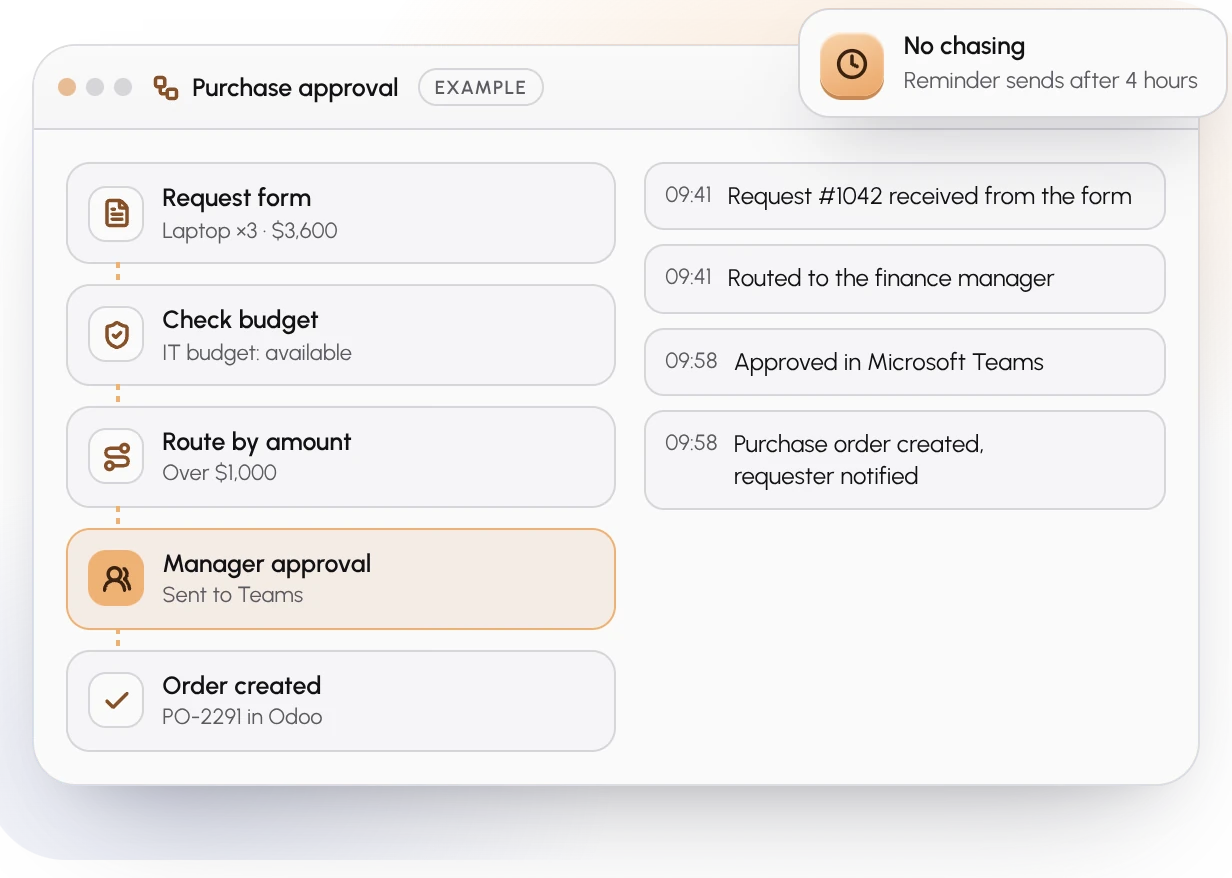
Zapier's current workflow model supports filters for stop/continue conditions, Paths for branching and custom error handling on action steps. That makes it useful for common trigger-to-action processes where the team values a managed SaaS experience and the workflow fits its execution model.
The trade-off is that more advanced branching and control features can depend on plan level, and infrastructure ownership is not the primary design goal.
Make is strong when visual scenarios need explicit recovery routes
Make exposes dedicated error handlers such as Skip, Retry, Resume, Commit and Rollback, along with incomplete executions for certain recovery paths. That is useful when operators want to model normal flow and error flow visually inside the same scenario.
Its scenario model can be a good fit when business users need powerful branching without owning the runtime infrastructure.
n8n becomes compelling when execution visibility and runtime control matter
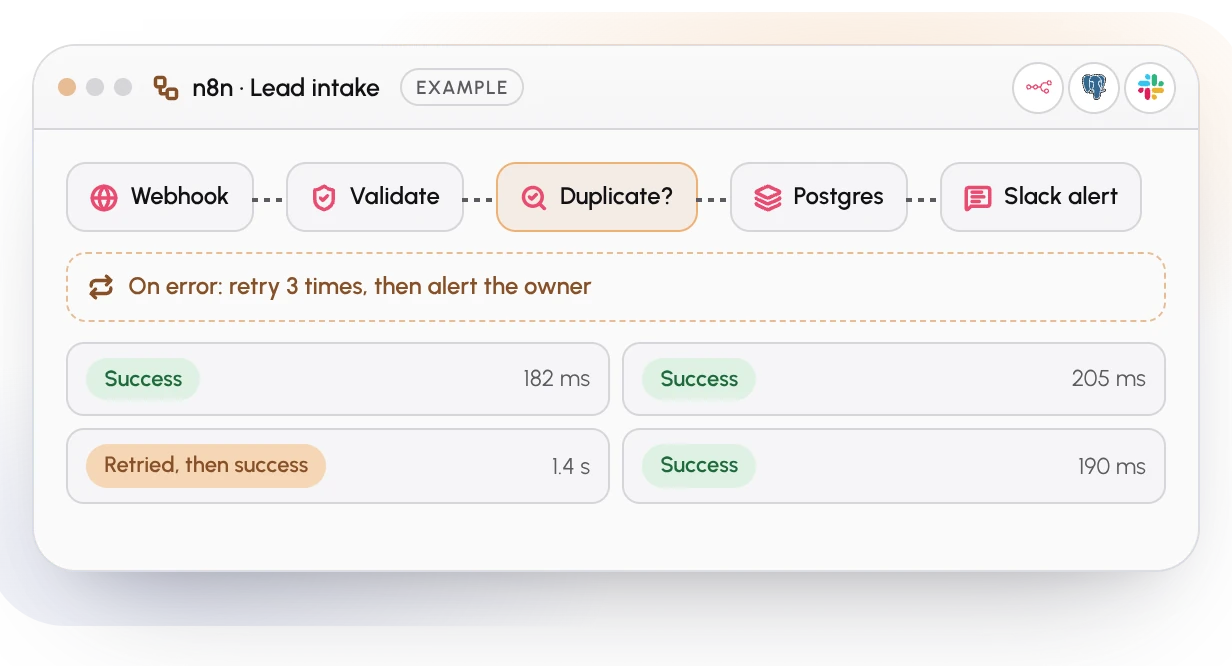
n8n exposes workflow execution history and failed-execution retry tooling, and its self-hosted product offers a broader operational surface for teams that need more control over where automation runs. That control also creates responsibility: hosting, upgrades, credentials, monitoring and recovery must be treated as part of the product.
Use a workflow scorecard before choosing
A platform can be excellent and still be wrong for a particular operating model. Score the real workflow first, then select the smallest platform that provides the required control without unnecessary complexity.
How many branches and exception paths exist?
What must happen after rate limits or temporary provider failures?
Does the workflow need manual retry from preserved execution state?
How important are self-hosting or network boundaries?
Who will operate and debug the workflow after launch?
What is the cost of a duplicate, skipped or delayed action?